
In order to assign a contractor to a work order and send it to them, your contractors must first be onboarded to your project. Here's how to add contractors:
1. Add the contractor company and staff in the Portfolio.
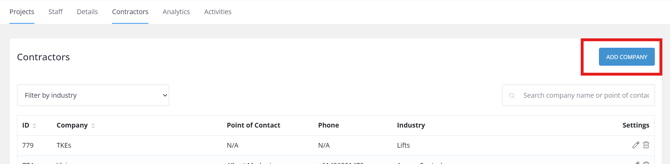
2. Once added, import them to Project Settings.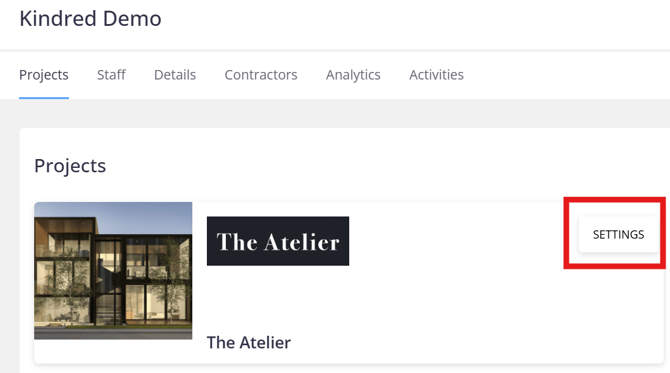
3. Click on the Contractors tab and select Add Contractor.


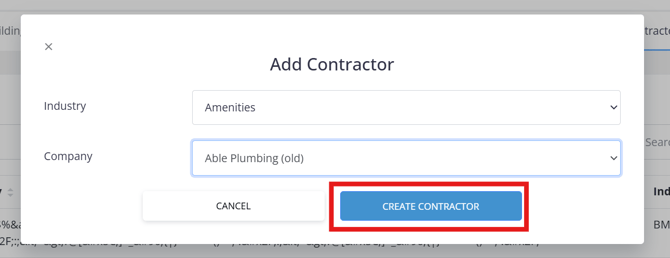
4. Pick the created contractor entry by selecting the Industry and Company before clicking Create Contractor to add the entry into your project.
5. Once the contractor company is imported to the Project Settings, you then need to also import the contractor staff under the Contractor feature in Place Management, so it shows in the dropdown list when creating Work Orders.
Go to the Project in order to access Place Management.
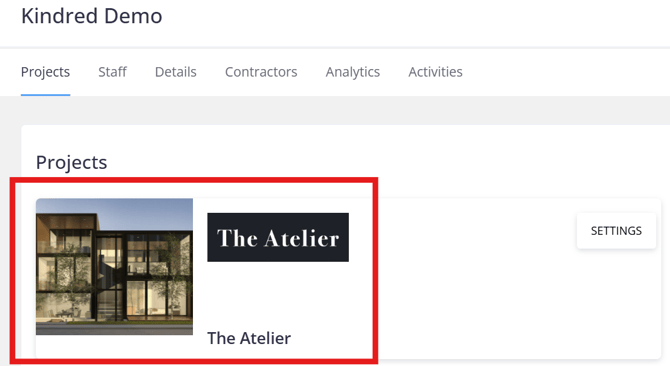
6. Under Place Management, select Contractors, then click on the Company record.
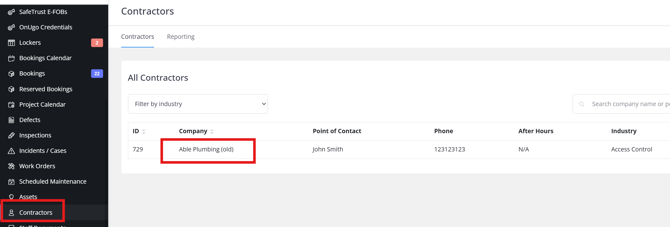
7. Click New Contractor Staff to add the staff record assigned to the particular contractor.

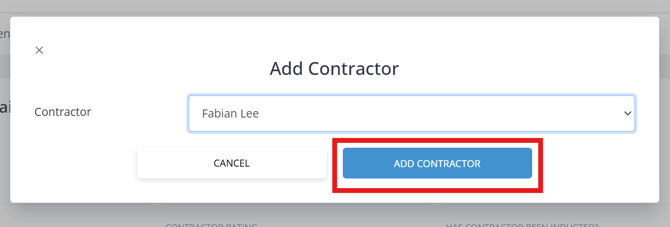
8. Select the staff from the Contractor dropdown and hit Add Contractor.
Note: If you don't have access to the Contractor records within the portfolio level as shown in Step 1, please ask your manager or a Keyvision team to add the contractors.