
Before publishing, first create your form using a third-party form builder (e.g., Microsoft Forms). Then:
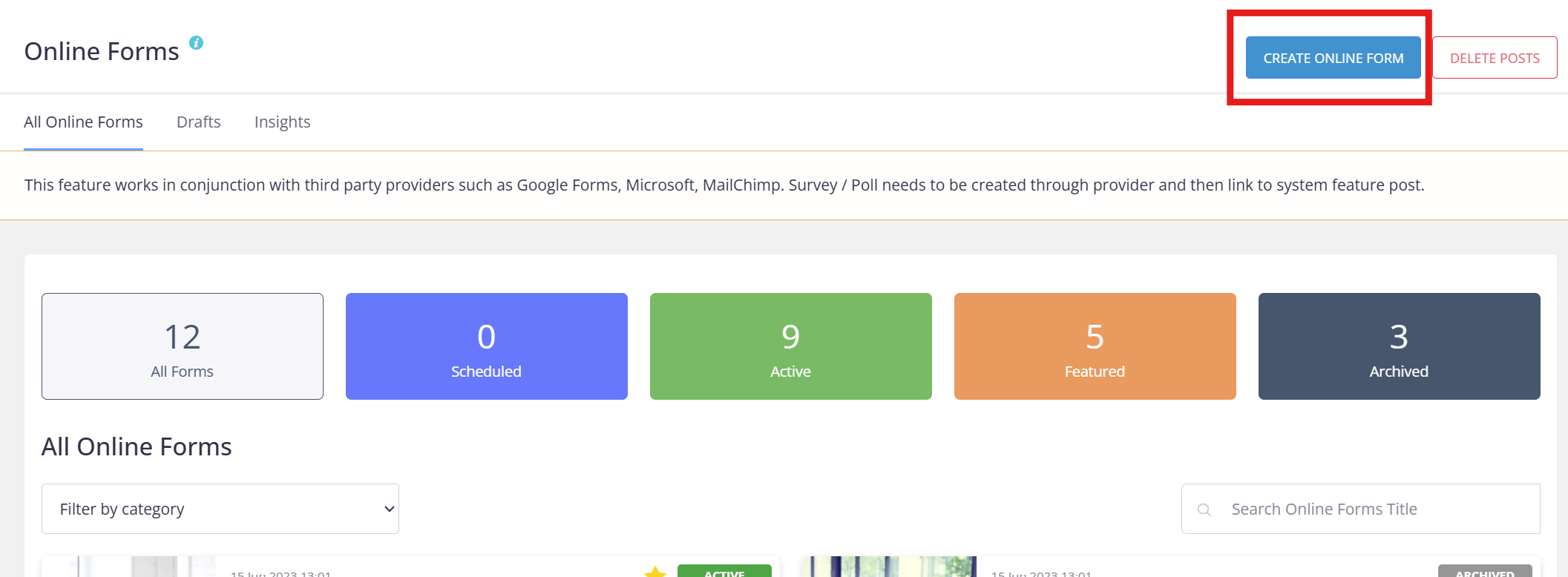
- Click Create Online Form in Keyvision.
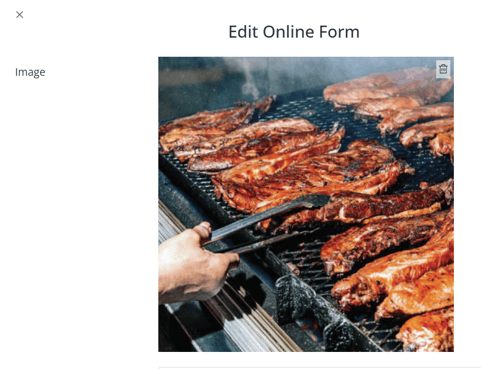
- Upload an image (square format works best).
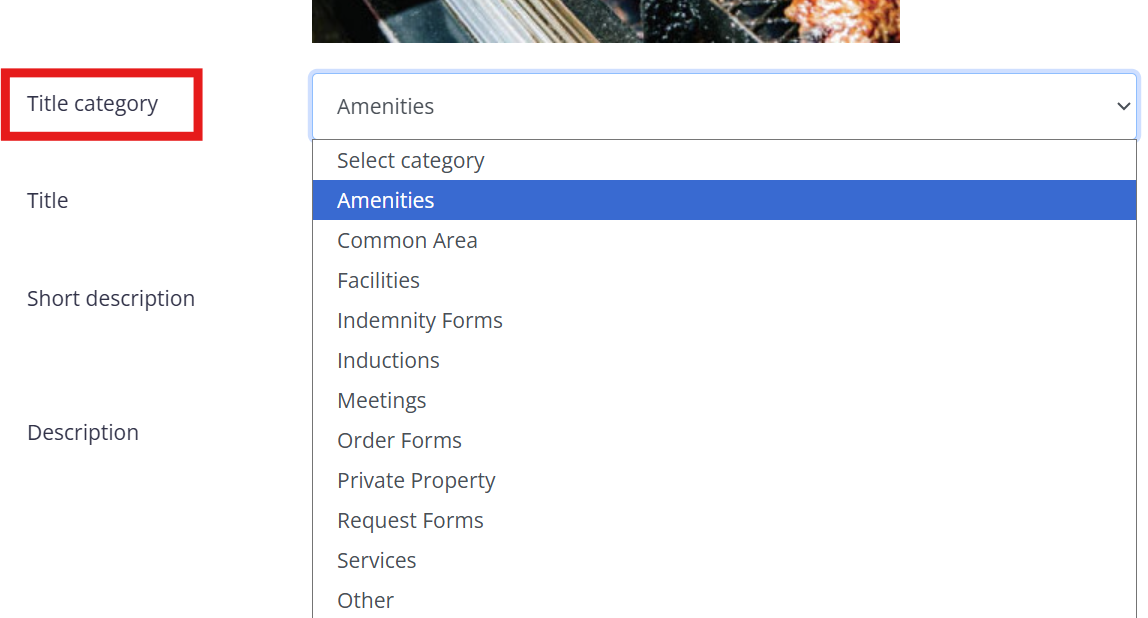
- Select a category from the dropdown list.
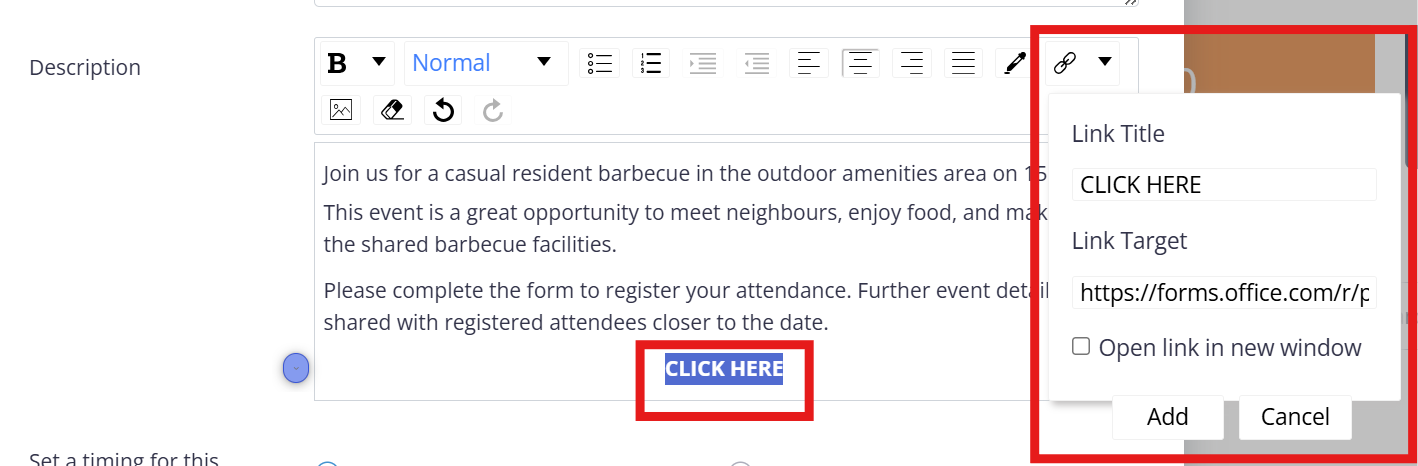
- Add a title, short description, and full description.
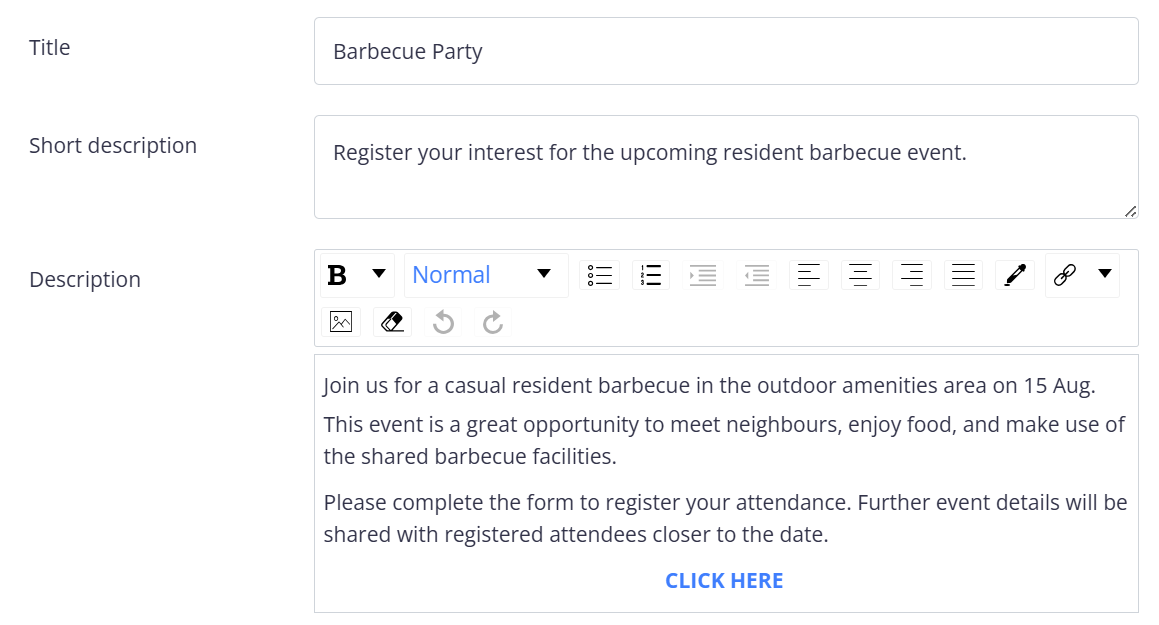
- Insert your form link via the hyperlink tool.
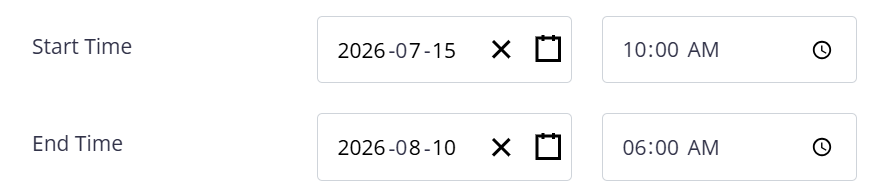
- Set timing for the post (optional).
- Assign categories if the form should only be visible to specific users.

- Click Create Post.
Your post will first appear as Scheduled, then automatically move to Active. Always check the form in the app to confirm the link and formatting are correct.