
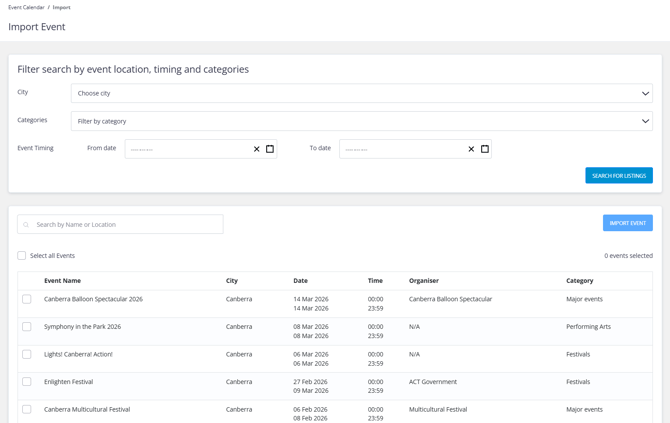
Boost your calendar by importing local events from the Keyvision global listings.
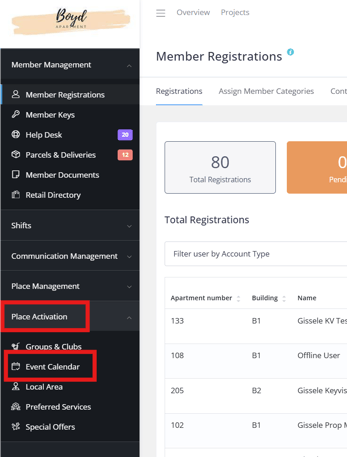
1. Navigate to Place Management from your left-hand menu, then select Event Calendar.
2. Click Import Event in the top-right corner.
3. Select your city to load available events.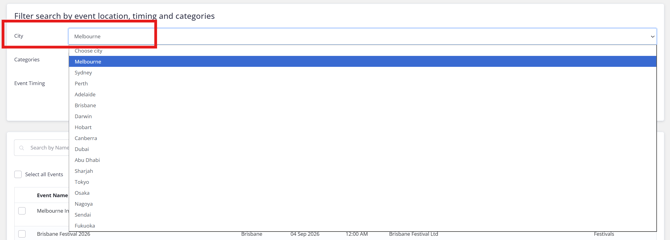
4. Apply a category filter if you want specific types, or leave it open for all.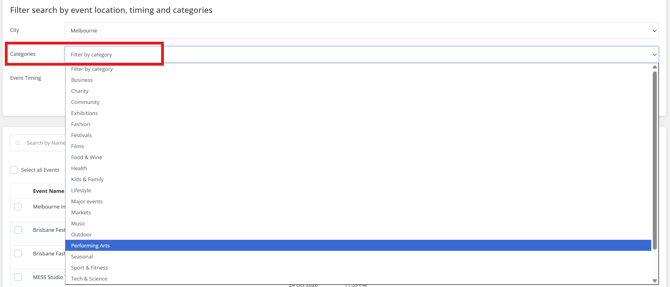
5. Choose a date range and click Search for Listings.
6. Select the events you want to import.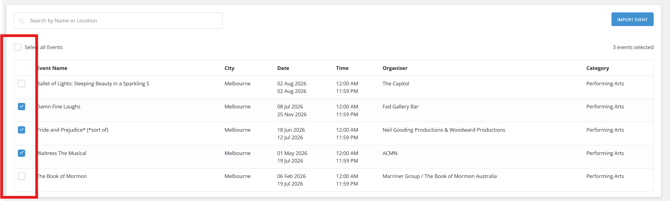
7. Review the total number selected, then click Import Event.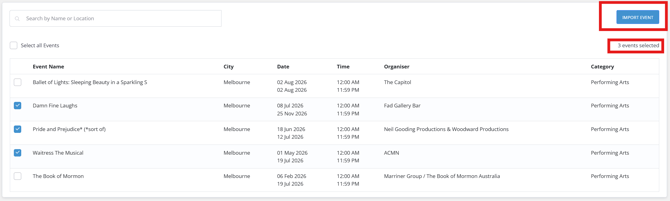
Pro Tip: Import events regularly to keep your calendar fresh, especially when you don’t have in-house events planned.
Note that imported events cannot be edited. They can only be deleted from your project.